Intro (no heading, plain paragraph — Google reads first 100-150 words for context):
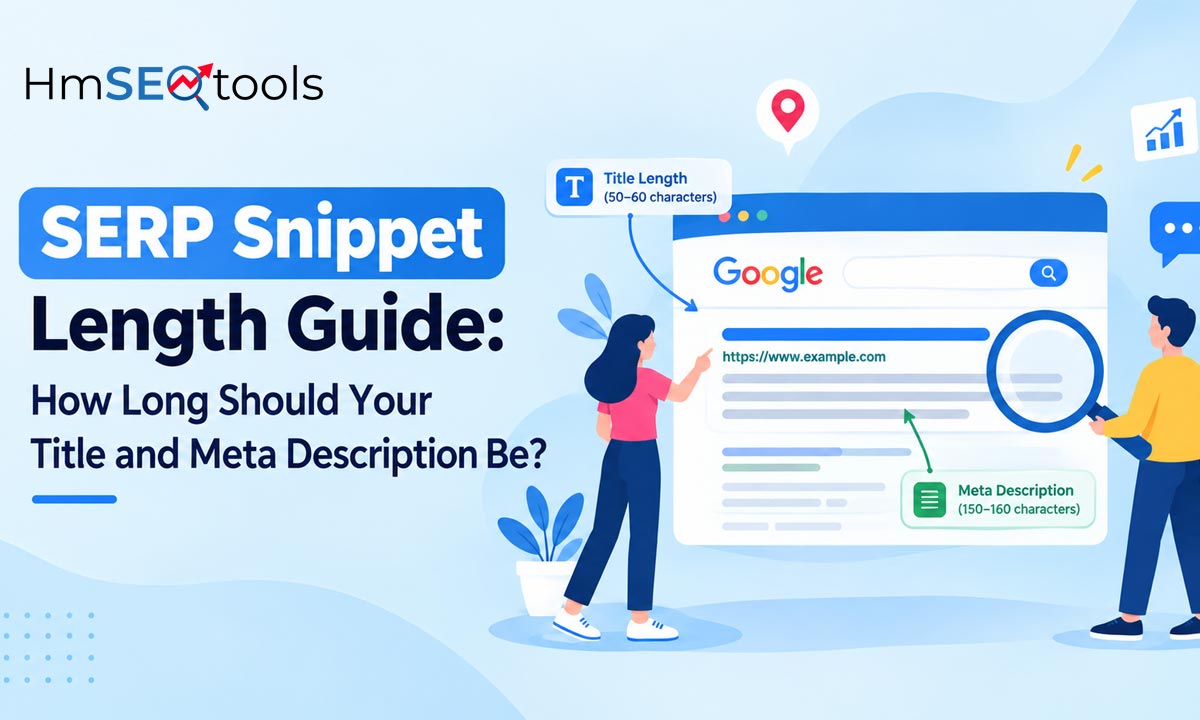
Ever published a page only to see your carefully written title get cut off with “…” on Google? That’s almost always a length problem, not a content problem. Google doesn’t count characters like a word processor — it measures pixel width, which means two titles with the same character count can display completely differently. In this guide, you’ll learn the exact limits and how to check your own pages using our free SERP Snippet Optimizer.
What Counts as “Too Long” for a Snippet?
Search engines don’t cut off titles and descriptions at a round character number — they cut off at a pixel width. That’s why a title full of wide letters (W, M, O) gets truncated sooner than one full of narrow letters (i, l, t), even at the same character count.
Why Pixel Width Matters More Than Character Count
Two titles can both be 58 characters long, but one displays fully while the other gets cut off — purely because of letter width. This is exactly why manually counting characters in a text editor gives you a false sense of safety.
Ideal Title and Meta Description Length (2026 Guidelines)
| Element | Recommended Length | Pixel Limit |
|---|---|---|
| Title Tag | 50–60 characters | ~580–600px (desktop) |
| Meta Description | 150–160 characters | ~920–990px (desktop) |
| Mobile Title | 50–55 characters | ~640px |
Why Snippet Length Directly Affects Your CTR
We covered CTR strategy in detail in our earlier post — Increase Your Click-Through Rates With a SERP Snippet Optimizer. A truncated title looks unfinished, and users are far less likely to click something that reads like it’s cut off mid-sentence. Google itself notes that titles that clearly describe page content perform better in search results.
(Ye ek external authoritative link hai — Google.com jaisi trusted site ko link karna E-E-A-T signal deta hai. rel=”nofollow” optional hai, lekin Google apne khud ke documentation ko link karna generally fine treat karta hai.)
How to Check Your Snippet Length in Seconds
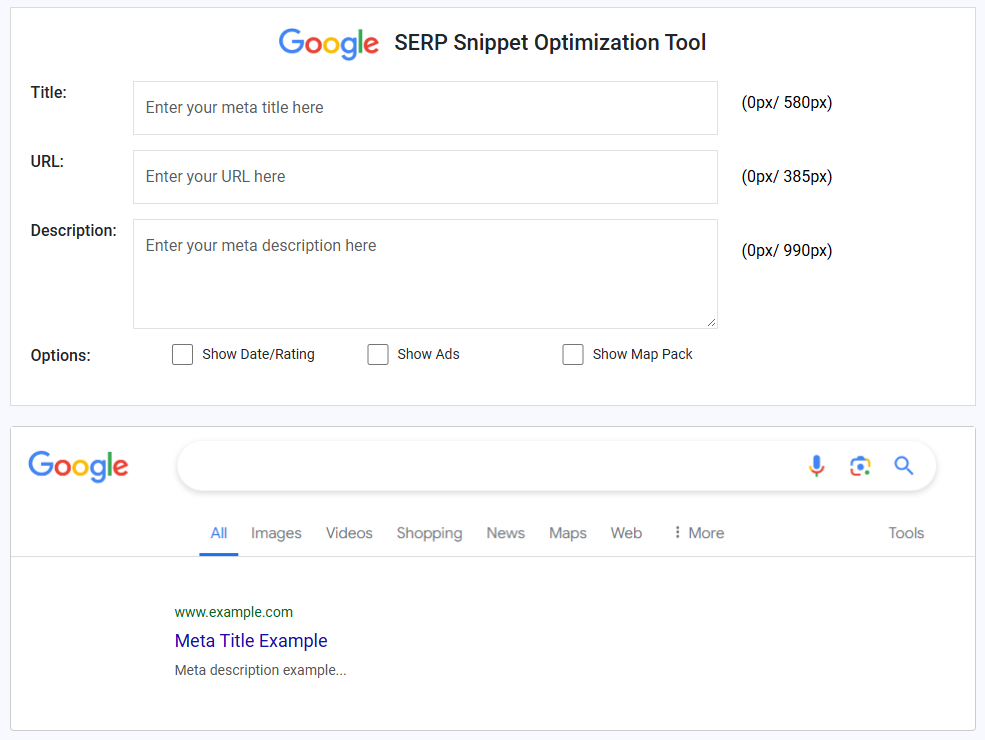
Step-by-Step Process
- Open the tool: Go to the SERP Snippet Optimizer
- Paste your details: Enter your title, meta description, and URL
- Check the pixel indicator: See instantly if either field goes over the limit
- Trim and re-check: Adjust until both fields show green
- Publish with confidence: Copy the final version into your CMS
For the bigger picture on ranking and visibility beyond just snippet length, see: MasteringSERP: Increase Google’s Views & Clicks.
Common Snippet Length Mistakes to Avoid
Keyword Stuffing the Title
Pushes important words past the visible cutoff, and Google may rewrite an over-optimized title anyway.
Vague Meta Descriptions
Wastes available space without giving the user a reason to click.
Ignoring Mobile Width
Mobile truncates earlier than desktop – always test both.
Skipping the Test Before Publishing
Google can rewrite your snippet if it doesn’t closely match search intent, even if your length is correct.
Frequently Asked Questions
Q: What is the ideal title tag length for SEO?
A: 50–60 characters, or roughly 580–600 pixels on desktop.
Q: Does Google always use my meta description?
A: Not always — Google sometimes generates its own snippet if it thinks a different part of your page better matches the search query.
Q: Why does my title get cut off even though it’s under 60 characters?
A: Because Google measures pixel width, not character count. Wide letters take up more space than narrow ones.
Final Thoughts
Snippet length isn’t a minor technical detail — it’s often the difference between a click and a scroll-past. Before publishing your next page, run your title and meta description through the free SERP Snippet Optimizer to make sure nothing gets cut off. It takes less than a minute and can meaningfully improve your CTR over time.