Intro:
Writing a blog headline, a book title, or a resume heading and not sure which words to capitalize? Manually fixing capitalization word by word — remembering which small words (like “a,” “the,” “of”) stay lowercase — is tedious and easy to get wrong. A free title case converter does it instantly: paste your text, and every major word gets capitalized correctly in seconds. Try the Title Case Converter online now.
What Is Title Case?
Title case capitalizes the first letter of each major word in a sentence, while small connecting words (articles, short prepositions, conjunctions) usually stay lowercase — unless they’re the first or last word. For example:
the complete guide to seo toolsbecomes:
The Complete Guide to SEO ToolsTitle Case vs Sentence Case vs Lower Case
- Title Case — Every Major Word Capitalized
- Sentence case — Only the first word of each sentence capitalized
- lower case — No capitals at all
If you need a different format, our sentence case converter and lower case converter handle those styles.
How to Convert Text to Title Case Online (Step-by-Step)
Using an online title case generator removes the guesswork of which words to capitalize:
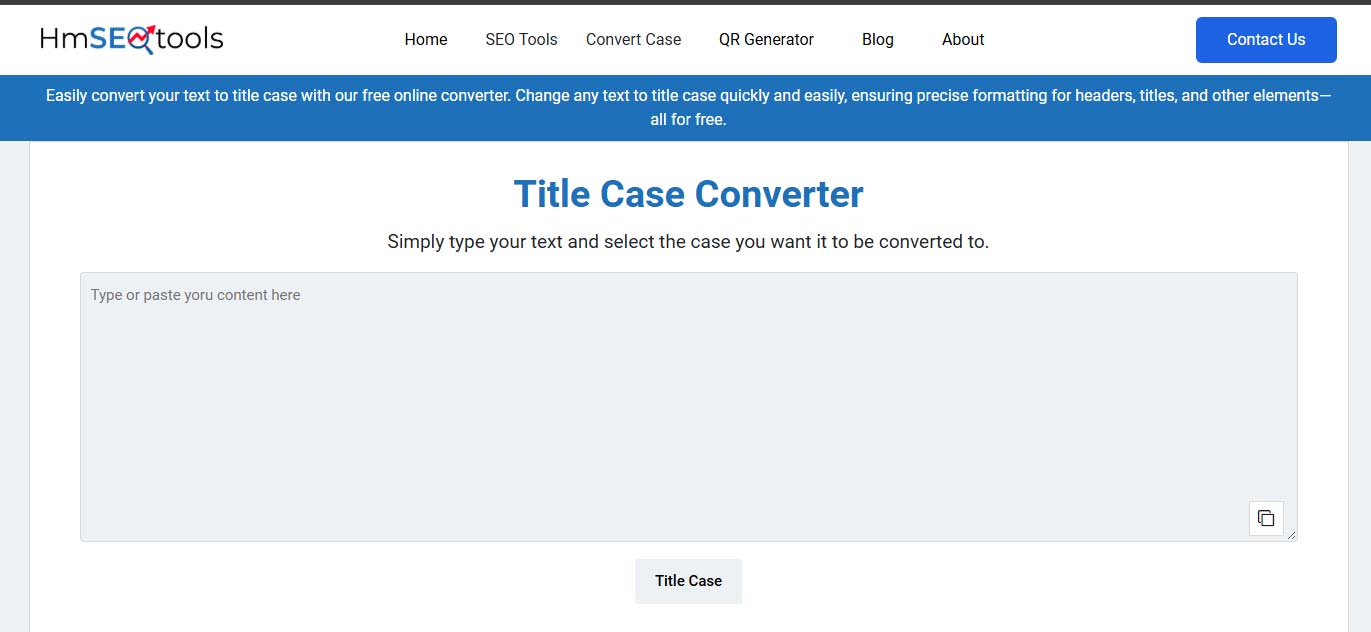
- Open the tool: Go to the Title Case Converter
- Paste your text: Drop in any heading, title, or sentence
- Click Convert: The tool instantly capitalizes it following standard title case rules
- Copy the result: Paste it directly into your document, blog post, or resume
Why You Need a Title Case Checker, Not Just a Converter
A good title case checker doesn’t just capitalize every word blindly — it follows standard capitalization rules (like AP or Chicago style), correctly leaving small words lowercase unless they start or end the title. This matters for:
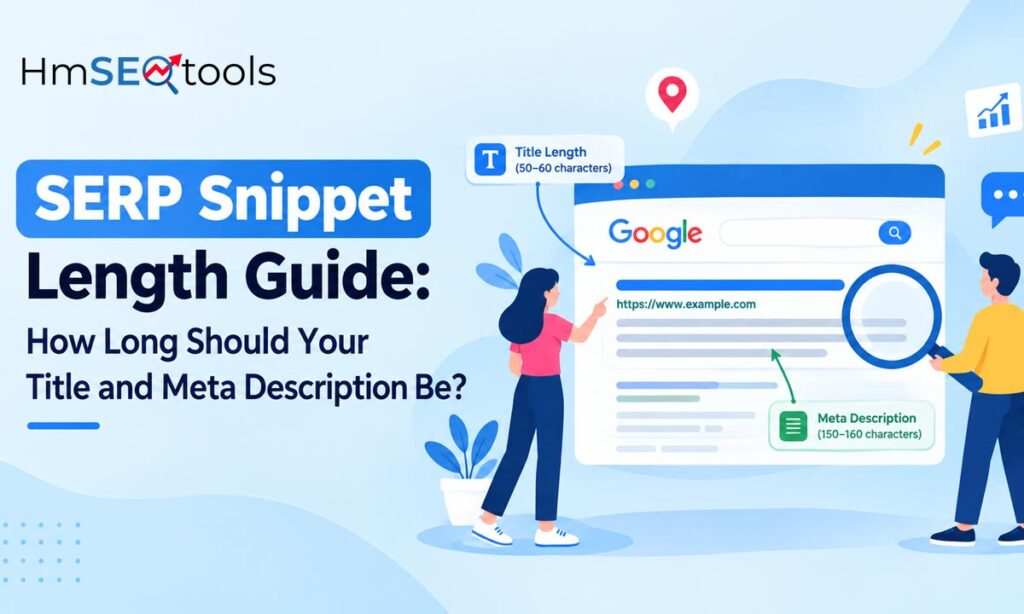
- Blog post titles and headlines (also affects SEO snippet appearance)
- Book, movie, or article titles
- Resume section headings and job titles
- Email subject lines
Common Situations Where You Need This Tool
Writing Blog Post Titles
Consistent title case makes headlines look polished and professional across your entire site.
Formatting Resume Headings
Section titles and job titles in resumes are expected to follow proper title case formatting.
Fixing Copy-Pasted Headlines
Text copied from different sources often has inconsistent capitalization that a quick convert fixes instantly.
Frequently Asked Questions
Q: Does a title case converter capitalize every single word?
A: No — standard title case rules keep short words like “a,” “an,” “the,” “and,” and “of” in lowercase, unless they’re the first or last word.
Q: Can I convert text to title case for free online?
A: Yes, the tool works entirely in your browser with no signup or downloads required.
Q: What’s the difference between title case and sentence case?
A: Title case capitalizes every major word; sentence case only capitalizes the first word of each sentence.
Final Thoughts
Getting title case right by hand means remembering exception rules for every small word — easy to mess up, especially under deadline. This free title case converter does it instantly and correctly every time. Need a different format? Check out our sentence case and lower case converters too.