Intro:
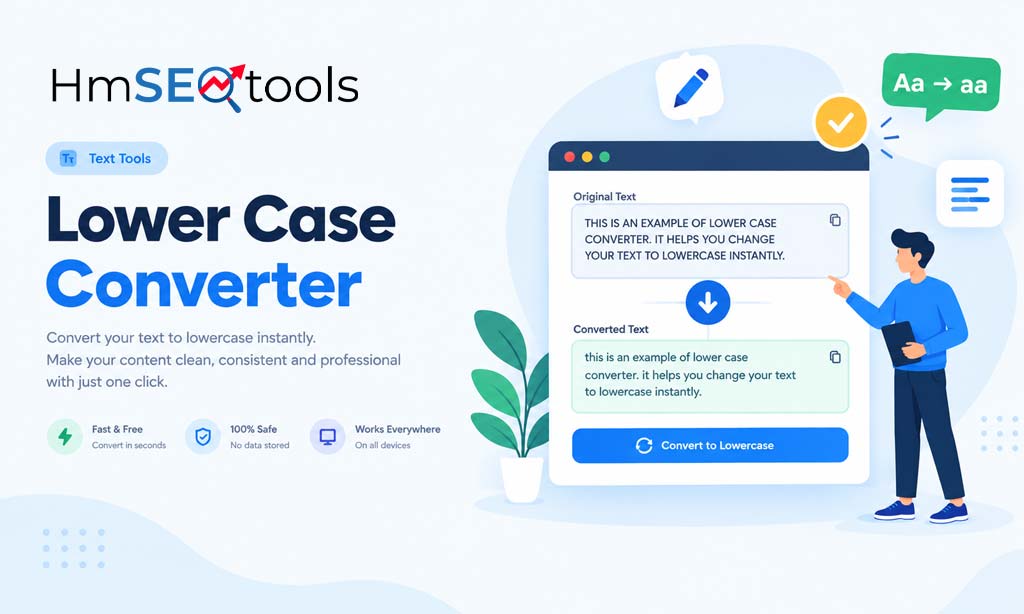
Auto-capitalized file names, usernames with random uppercase letters, or text pasted from a spreadsheet that came out in CAPS — fixing this manually is a waste of time. A free lower case converter does it in one click: paste your text, and every letter instantly converts to lower case, no formatting left behind. This lowercase converter works entirely online, with no signup required.
What Does “Convert to Lowercase” Actually Mean?
Converting text to lowercase removes every capital letter, turning it into all small letters — no exceptions, not even the first word of a sentence or proper nouns. This is different from sentence case (which keeps standard capitalization) or title case (which capitalizes major words).
When You Need Lower Case, Not Sentence Case
- Cleaning up file names or URLs before uploading
- Formatting email addresses or usernames correctly
- Preparing text for code, CSS classes, or slugs where capitalization breaks things
How to Convert Text to Lower Case Online (Step-by-Step)
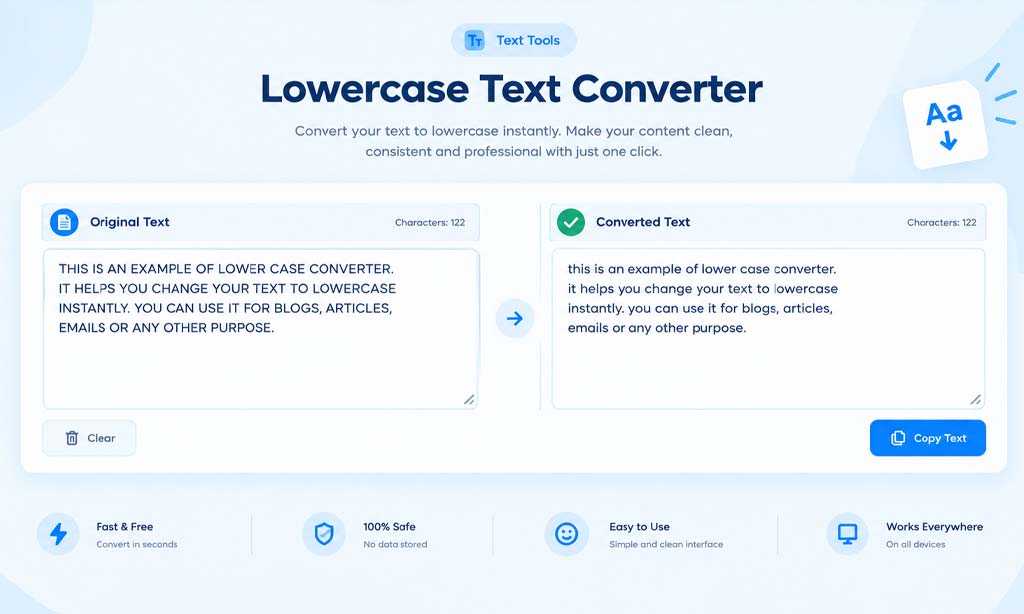
Using a dedicated lower case tool is faster and more accurate than retyping text manually:
- Open the tool: Go to the Lower Case Converter
- Paste your text: Drop in any text with capital letters
- Click Convert: The tool instantly changes everything to lower case online
- Copy the result: Paste it directly into your document, code editor, or CMS
Best Free Lowercase Online Tools Compared
Not every “lowercase converter” online actually preserves formatting correctly. A good lower case tool should:
- Convert text to lower case instantly, with zero delay
- Keep numbers, punctuation, and spacing untouched
- Work on any device without installing software
- Handle long blocks of text without crashing or truncating
Need the Opposite? Sentence Case and Title Case Converters
Not every text needs to go fully lowercase.
Converting Text to Sentence Case
If you need standard capitalization — first letter of each sentence capitalized — use our sentence case converter instead.
Converting Text to Title Case
For headlines or titles where every major word needs a capital letter, the title case converter handles that automatically.
Common Situations Where You Need to Convert to Lower Case
Fixing File Names and URLs
Lower case file names and URL slugs avoid broken links and inconsistent formatting across servers.
Cleaning Up Spreadsheet or Database Exports
Data exported from Excel or databases often comes in inconsistent capitalization — converting to lowercase standardizes it instantly.
Formatting Code-Related Text
CSS classes, HTML attributes, and many programming conventions require lower case text to work correctly.
Frequently Asked Questions
Q: Does a lower case converter change numbers or symbols?
A: No — only letters are affected. Numbers, punctuation, and symbols stay exactly the same.
Q: Can I convert text to lowercase online without installing software?
A: Yes, this lowercase online tool works entirely in your browser — no downloads or signup required.
Q: What’s the difference between lower case and sentence case?
A: Lower case removes all capitals everywhere; sentence case keeps the first letter of each sentence capitalized.
Q: Is there a limit to how much text I can convert to lower case?
A: No, you can paste large blocks of text and convert them to lowercase all at once.
Final Thoughts
Converting text to lower case manually is tedious and error-prone, especially with long documents or data exports. This free lower case converter does it instantly — paste, convert, copy. Need the opposite formatting? Check out our sentence case and title case converters too.